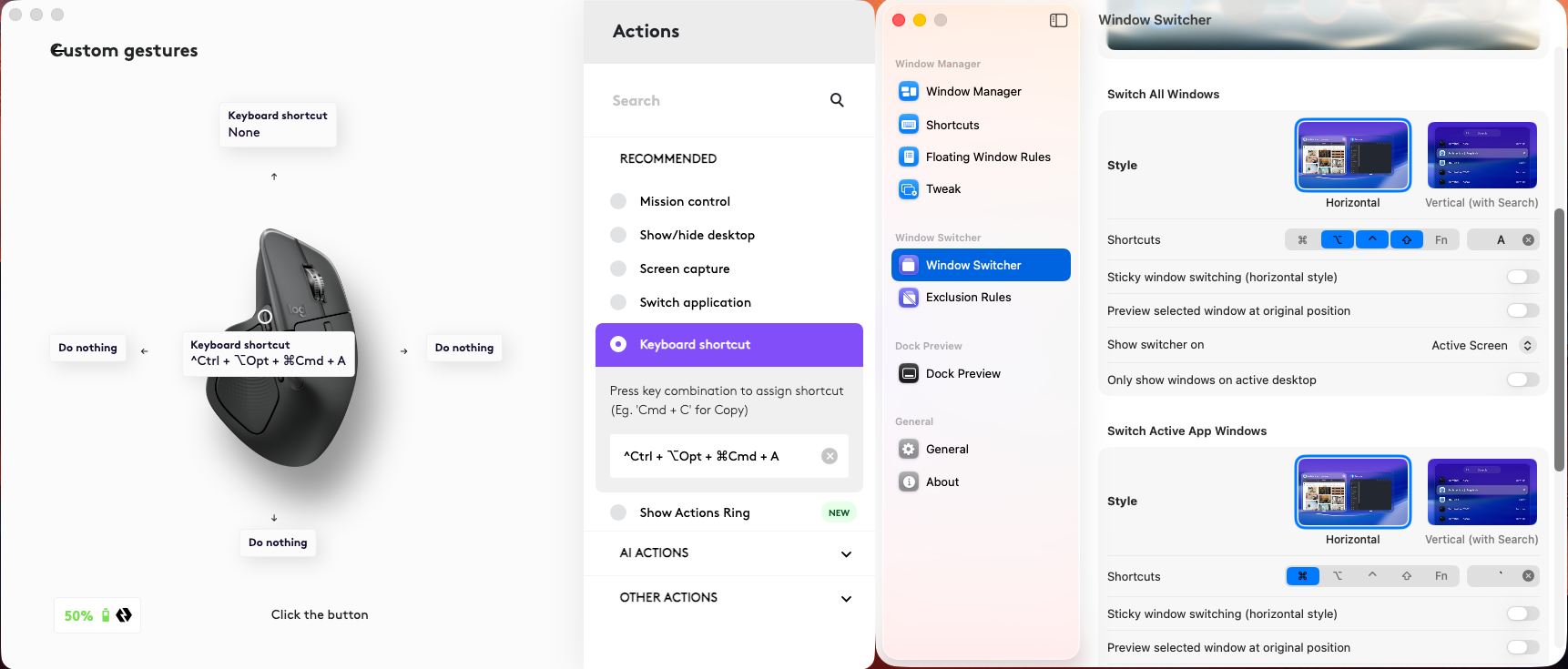
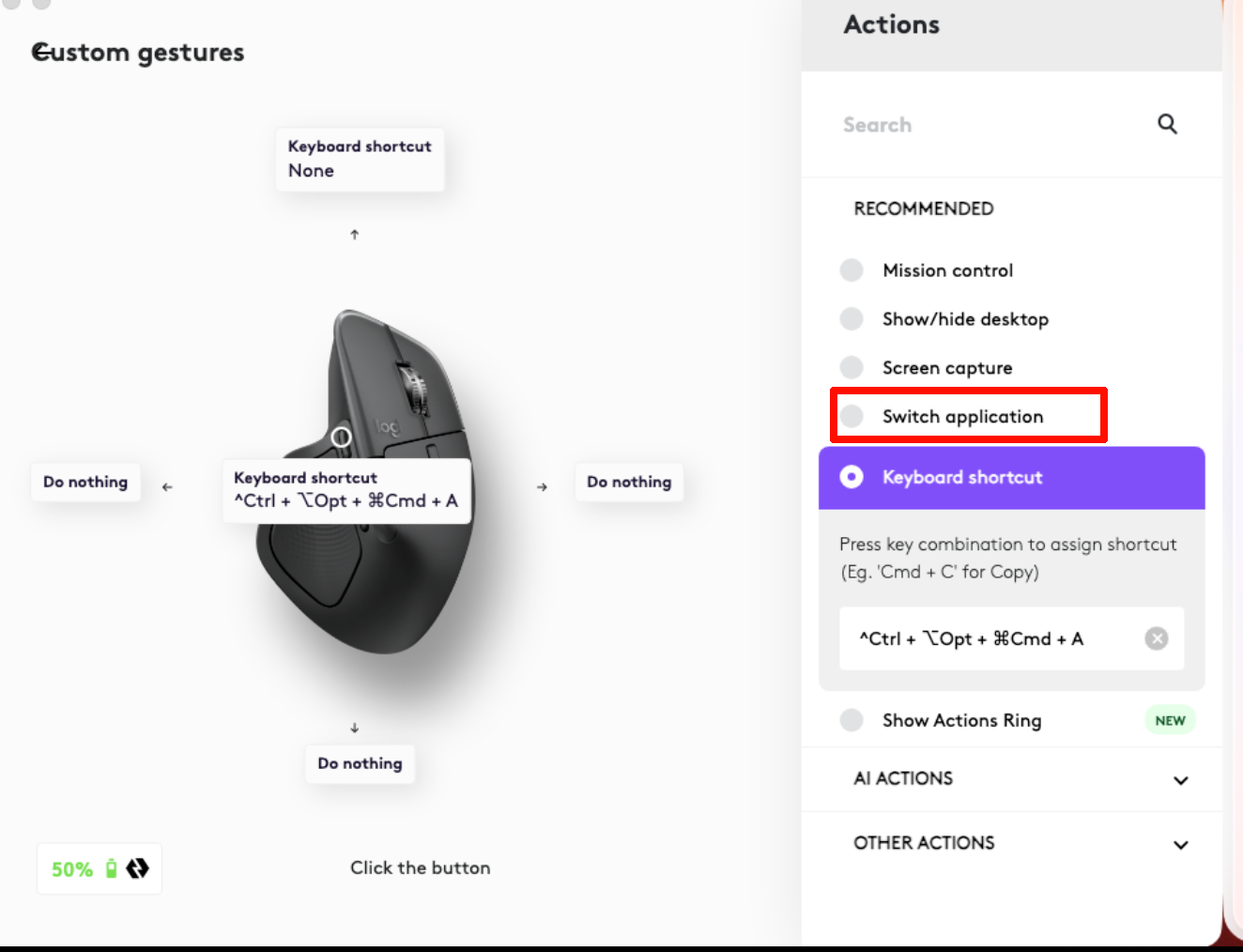
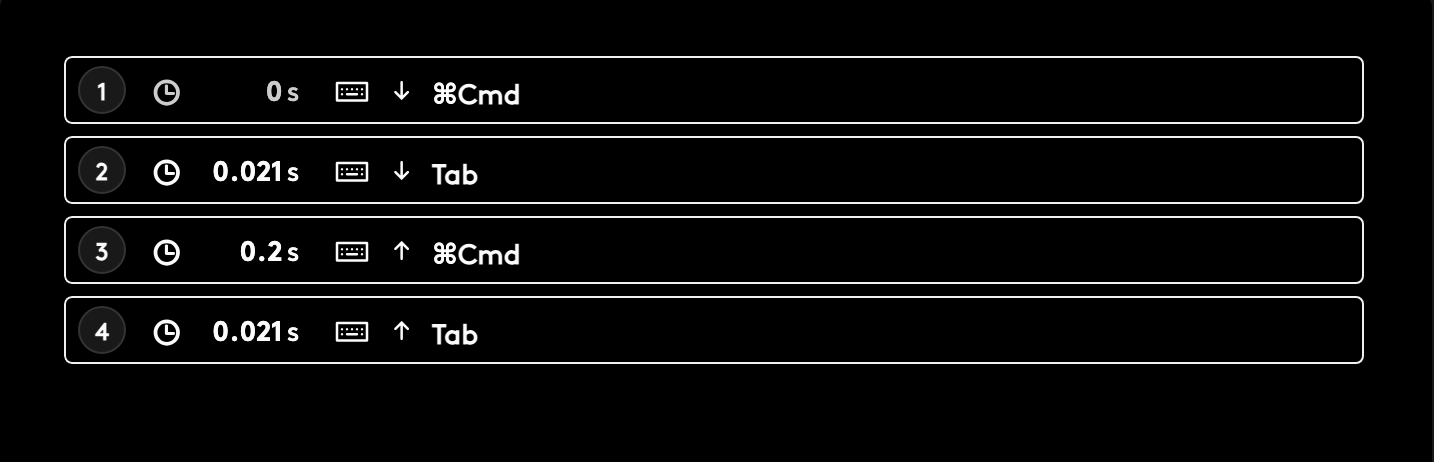
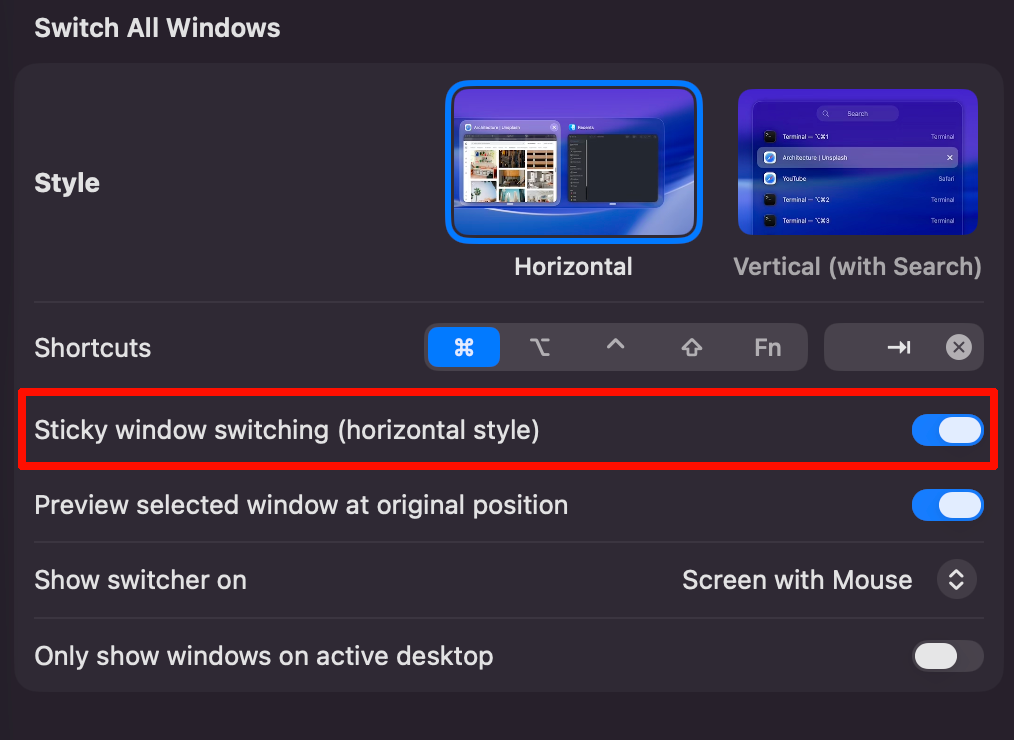
I'd like to assign the window switcher to a shortcut on my mouse using Logi Options+, which is Logitech's configuration tool. I set the cmd+tab command to a mouse button, but when I click the button, the window switcher doesn't show.
I thought maybe there was a conflict with macOS's default cmd+tab functionality, so I changed the window switcher shortcut to control+option+shift+A to make it unique and avoid a conflict. After assigning that to the mouse button, I clicked it, and the window switcher still doesn't show.
macOS 26.4
TanGrid 0.14.3
Logi Options+ 2.1.854977
Mouse: Logitech MX Master 4